
On October 6, Anthropic released Claude for Google Workspace in public beta on every paid Claude plan. It puts a Claude sidebar inside Google Docs, Sheets, and Slides. On the same day Anthropic shipped new Google Docs, Sheets, and Slides connectors, also in beta, that let Claude create and edit Google files from inside the Claude chat.
Most of the coverage framed this as Claude moving onto Gemini’s turf. That is true, and for a marketing team it matters less than one line in Anthropic’s help center: when Claude edits a file, “Google records them under your name.” The media plan, the client deck, the creative brief. Whatever Claude changed shows up in version history as you.
A note on evidence. This is a primary-source review. I have not installed the add-on on a client file or run it against a team Workspace for this piece. Everything below comes from Anthropic’s launch post, the Claude for Google Workspace product page, the help center guides for the add-on and for the Google Workspace connectors, and Anthropic’s pricing page, all read on October 9. I cross-checked against VentureBeat, 9to5Google, The Verge, Reworked, Unite.AI, TechRepublic, and Justin McKelvey’s pricing breakdown. Where Anthropic’s own pages say different things, I say so.
What it is
It is two products behind one announcement, and they have very different locks.
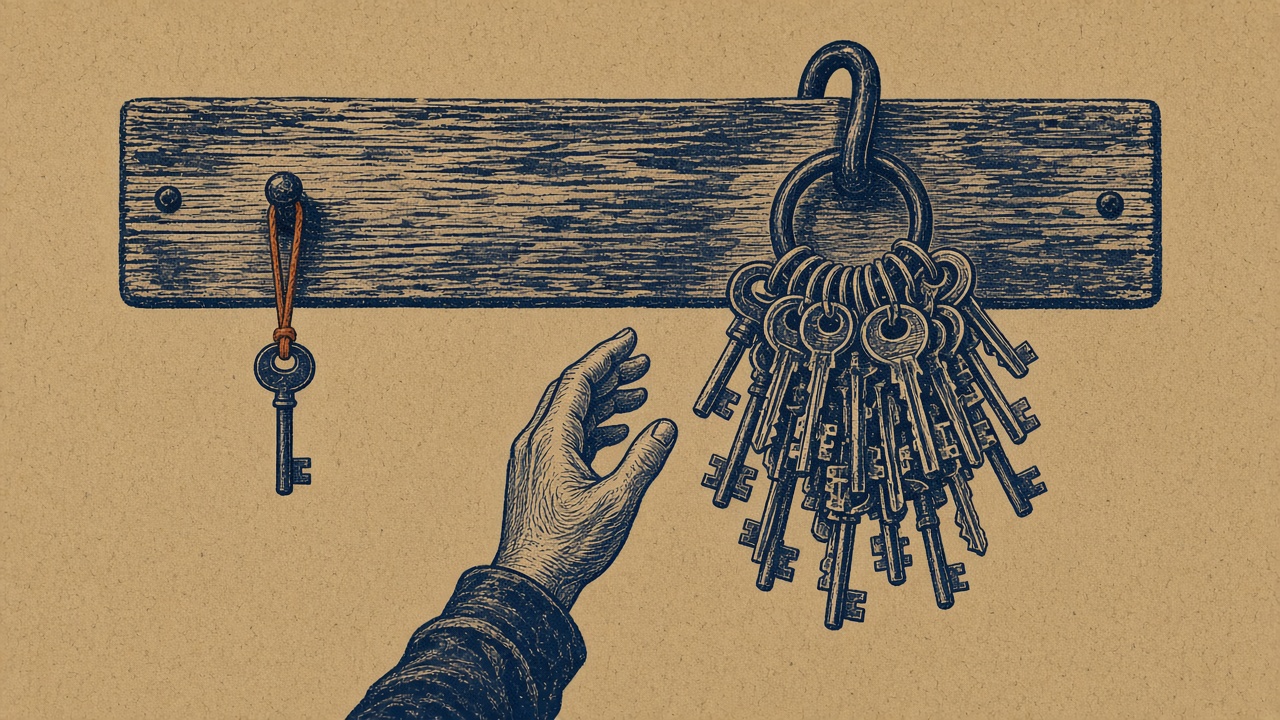
The first is the add-on. You install it once from the Google Workspace Marketplace and it appears in all three apps under Extensions. Claude reads the file you have open plus whatever you have selected, and edits in place. The help center is explicit that this door is narrow. The add-on asks Google for two permissions, one to show a sidebar and one to manage the file it is opened in, and “Google enforces this: the extension cannot open any other file.” It cannot share the file, give anyone access, or change the owner, and Anthropic says those requests “are refused even if you ask.”
The second is the connector route. You start in Claude on the web or desktop, paste a Google link or ask for a Google doc, sheet, or deck by name, and Claude creates or edits it in a pane beside the chat. This door is wide. Anthropic’s product page says that from Claude, it “can reach any file your Google Drive permissions allow.” The separate Google Drive connector can share, move, and trash files, with approval by default.
Both doors carry your Claude account with them: the same models, the same connectors, and the same Skills. Anthropic’s own example is a quarterly business review deck built from Salesforce account history and call notes in Drive, following a format saved as a Skill.
What changed on October 6
Before this, Claude could search and read Workspace content through connectors, and third-party add-ons offered Claude models inside Google apps. VentureBeat notes this is Anthropic’s first-party integration that displays and live-edits Docs, Sheets, and Slides alongside the conversation. Claude for Word, Excel, and PowerPoint was already generally available, so Anthropic now sits inside both major office suites.
The editing controls are the practical news. There are two modes. “Ask before edits,” the default, shows each change in plain language and waits for you to click Allow. “Accept all edits” lets Claude work through a task without stopping, but it still pauses for anything that touches links, images from a web address, or someone’s access to the file. Those carry a “Security review” label and have no always-allow option.
What works
The add-on is tightly scoped by design. One file, no sharing, no ownership changes, no scheduled automations, no loading web pages into your file. For an agency that wants AI help on a client deck without giving a tool the run of the client’s Drive, that is the right default. Workspace admins can admin-install it for the whole domain or for selected groups, or allowlist it so people can install it themselves, and uninstall it for everyone from the Admin console.
Sheets is where it earns its keep. Claude can write and fix formulas, build pivot tables and native Sheets charts, add tabs, and pull a range into Python for joins or cleanup before writing the result back. The help center’s sample prompts read like a media planner’s week: explain how a total is calculated and flag anything hardcoded, normalize three date formats, find why a lookup returns errors. A pacing sheet stitched together from three platform exports is exactly this job.
Slides respects the template. Claude builds new slides from the deck’s existing layouts and themes, then checks its own work for elements that overlap, run off the slide, or are hard to read. For teams that live in a brand template, that is the difference between a usable draft and a restyle job.
Skills make the weekly report repeatable. If your monthly client report follows a fixed format, saving it as a Skill means the next person builds it the same way inside the same file. TechRepublic’s comparison landed in a similar place: Gemini has the deeper reach across Gmail, Drive, and Chat, while Claude’s case is controlled in-file edits and the Claude connectors and Skills a team already uses.
Prompt injection has a stated policy. Anthropic says Claude treats document content as data, labels hidden text it finds, and is designed not to follow a file’s instruction to share it, fetch a link, or contact anyone. For teams that open vendor decks and publisher IOs from outside the company every day, that matters. Anthropic still tells you to review proposed actions, especially in files from outside your organization.
Where it breaks or is fenced
The paper trail says you did it. Claude’s edits appear in version history under your name. Collaborators see the changes, but not the conversation, because chat history is stored in your browser, per file, and does not sync across devices. On Enterprise, the Compliance API and OpenTelemetry audit export capture prompts, tool calls, and the edits Claude made. On Team, Anthropic’s pricing page lists no Compliance API and no audit logs. So on Team, the plan built for groups of 2 to 150, the only shared record of an AI edit to a client’s media plan is a Google history entry with a person’s name on it.
Docs edits skip Suggesting mode. The sidebar’s own suggestion cards are optional. When Claude applies a change, the help center says it lands as a direct edit, not a Google suggestion, and Claude cannot read, reply to, or resolve comments. If your copy approvals run on suggestions and comment threads, Claude sits outside that workflow. One wrinkle: the connectors guide says the connector route can read comments and suggestions. Same company, same launch, two different answers depending on which door you used.
Slides charts are frozen. Charts Claude creates in Slides are inserted as images, not linked Sheets charts, so they do not update when the numbers change, and Claude cannot refresh an existing linked chart. The connectors guide goes further and says Claude can’t add charts to Slides at all from that route. For a monthly performance deck, that is a stale chart waiting to happen.
Connected Sheets are invisible. Tabs backed by live BigQuery data cannot be read or edited. If your analytics team pipes ad platform or web analytics data through BigQuery into Connected Sheets, Claude cannot see it until someone extracts the rows into a regular tab.
The wide door is wide. On the connector route, access matches whatever your Google account can reach. Reworked reported that granting connector access defaults to full read, write, and delete, with no visible option to narrow it at setup. The Drive connector asks before sharing, moving, or trashing, but on Team and Enterprise, owners can let members skip that approval. And the narrow door can be widened: the help center says that if you connect the Google Drive connector inside the sidebar, Claude can use it to see other files. That is off by default. McKelvey’s rollout advice is the blunt version: the old “anyone with the link” sheet is your problem, not Anthropic’s.
Personal plans bring personal terms. On Team and Enterprise, the add-on runs under Anthropic’s Commercial Terms and DPA. On Pro and Max, it runs under the Consumer Terms and Privacy Policy. Anthropic says the add-on content is not used for training either way, and inputs and outputs are deleted within 30 days. But the extension does not inherit custom data retention settings, Zero Data Retention is not available, it does not run through Bedrock, Vertex AI, Azure, or an LLM gateway, and HIPAA-ready organizations are not covered. A freelancer on a personal Pro plan opening your client’s file is a contract question, not a settings question.
It is a beta, with beta seams. No Firefox. The sidebar has to stay open or the task stops. Google cuts off any single operation at six minutes. Unite.AI reports that the Marketplace listing also asks for your primary Google email and personal info, which the help center’s two-permission table does not mention.
Who it is for right now
It fits best for teams already paying for Claude Team or Enterprise who do heavy spreadsheet and deck work in Google: media planners and analysts cleaning exports, strategists turning call notes into decks, ops leads rebuilding the same report every month. Enterprise teams get the strongest version, because the audit trail exists outside Google.
It fits less well for agencies whose clients require zero retention or a specific inference path, for teams whose approvals run on Docs comments and suggestions, for reporting decks built on linked charts, and for anyone whose data lives in Connected Sheets. And if you have no Claude seats today, TechRepublic’s read is fair: Gemini is already in many Workspace plans and reaches further across Google apps. Run both on the same task before you buy anything.

What it costs
Anthropic lists no separate price for the add-on or the connectors. Access is included in paid plans. From Anthropic’s pricing page on October 9: Pro is $17 a month billed annually or $20 monthly. Max starts at $100 a month. Team is for 2 to 150 people, with Standard seats at $20 a month billed annually or $25 monthly, and Premium seats at $100 or $125. Enterprise is $20 a seat a month billed annually plus usage at API rates.
Anthropic does not say whether add-on work is metered on its own. The pricing FAQ says activity across Claude surfaces draws from one usage pool, and I would plan as if long Sheets jobs eat into the same limits as everything else. McKelvey’s math is the useful framing for a small team: three Team Standard seats on annual billing add $60 a month on top of Workspace, and nothing requires every person to get one.
What to do this week
Treat October 6 as a new editor joining your shared drive, not as a new chatbot.
- Pick the door per file type. Use the one-file add-on for client decks and media plans. Keep the Drive-wide connector route for internal work until your sharing is cleaned up.
- Keep “Ask before edits” as the house default. Allow “Accept all edits” only for named people on internal files.
- Add a one-line habit: when Claude changes a client file, name the version in Google version history (for example, “Claude edit, approved by Sam”). On Team plans, that note is your audit trail.
- Rebuild any Claude-made Slides chart as a linked Sheets chart before a deck goes to a client.
- Tell analytics which tabs are Connected Sheets, so nobody assumes Claude checked the numbers it could not see.
- Keep personal Pro and Max accounts off client files. If contractors need it, put them on your Team plan.
- Have your Workspace admin install it to one pilot group, not the domain, and audit “anyone with the link” files before anyone turns on the connectors.
Claude in Google Docs, Sheets, and Slides is a good editor with a narrow, sensible default door. What it changes is accountability. Every edit carries a person’s name, and on most plans the conversation that produced it lives in one browser. Decide who signs for those edits this week, before the beta signs for you.