Every brand social lead over thirty remembers the branded face filter. Dog ears with a logo on the collar, a lipstick try-on, a world cup scarf that tracked your head. Then in August 2024 Meta announced it would shut down Meta Spark, and on January 14, 2025, the augmented reality effects “built by third parties, including brands and our wider community of AR Creators” disappeared from Facebook, Instagram and Messenger. Only Meta’s own effects stayed.
On November 9, Instagram reopened the door a crack. Effect Builder is a web tool from the Edits team that turns a written description into an AI effect anyone can apply in Stories. It is free. It needs no design or coding skill. And according to Instagram’s own help page, one of the most common reasons an effect gets rejected is that it references a brand or a logo.
So brands are invited back to the effects shelf, as long as they leave the thing that made a branded filter branded at the door. That is the whole review in one line. The rest is whether a look with your handle on it is worth anything.
This is a docs-based review. I have not built or published an effect. What follows comes from Instagram’s launch post (November 9), the Instagram Help Center page About Effect Builder (fetched November 18), the Spark shutdown notice, and coverage from The Verge (November 9, which did test it), Social Media Today (November 9), The Next Web (November 10) and Digital Trends (November 10).
What it is
The help page describes Effect Builder as “a web-based tool that enables you to design your own AI Restyle effect and publish it to Instagram Stories, where anyone can apply it to their stories.” Restyle is the AI effect family Instagram launched in October 2025, which already let people restyle photos from prompts. Effect Builder adds an editor and, more importantly, a way to publish the result for everyone else.
The flow is short. You log in with an Instagram account, type a description in a prompt box and click Create. Meta AI renders a preview on four sample photos. You keep prompting until it looks right. Instagram’s tip is to “describe the treatment that will be applied to a photo rather than what’s in the picture,” which tells you what this is: a style filter, not a scene generator or a face tracker. You can upload a style reference image, and Meta AI uses “aspects of the image like its color, lighting and texture” to guide the look.
Then you add a title, which appears on the effect next to your handle, pick a cover image and press Publish. That submits it for review against Instagram’s Community Standards. You get an email when the review is done, which “can take up to 24 hours.” Once live, the effect sits in the Restyle options in Stories and on your profile.
What changed
Two things are new compared with October 2025 Restyle and with the dead Spark platform.
First, distribution. Published effects carry your handle “wherever it’s used on Instagram.” Viewers of a Story made with your effect can tap it and use it on their own photo. The launch post sells this as discovery: “your creativity becomes the way people find you.”
Second, the skill floor. Spark needed what Instagram’s own post calls “special design and technical skills” and gave you full augmented reality. Effect Builder needs a sentence. In exchange, it gives you a photo treatment. That is a big step down in what an effect can do and a big step up in how many people can make one.
What works
The authoring loop is genuinely short. Prompt, preview on four samples, refine, publish, approved within a day. For a social team that used to brief an AR studio and wait weeks, the cost of a test is now an afternoon.
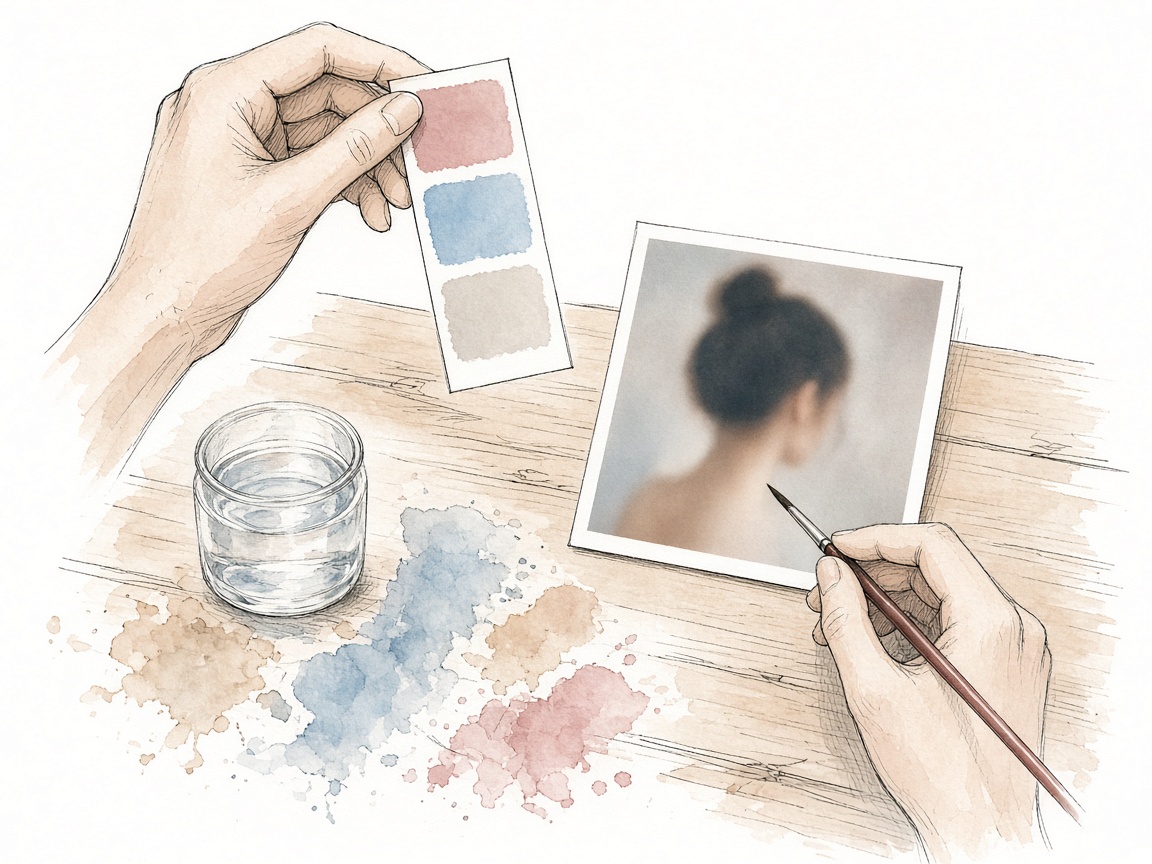
Style references are the most useful control for brands. A house photographic look, the grade on your campaign stills, the grain your creative director keeps asking for, can be described by example instead of in adjectives. That is the closest thing to brand equity the tool will accept.
The attribution sticks. The handle follows the effect into other people’s Stories, and the help page says deleting an effect removes it from the Restyle options but does not pull Stories that were already shared. Your byline survives your own cleanup.
There is basic measurement. Click a published effect in the Library tab and you see “how many people it reached and how many times it was used,” with a lag of up to a few hours. Thin, but it exists on day one, which is more than many Meta creative features ship with.
The Verge’s test turned up one useful caution. Its reporter let Instagram’s AI rewrite a one-line prompt into several paragraphs of detailed style instructions, and the effect that came out “still looked nearly identical” to the one from the original line. Do not expect prompt engineering to do your art direction. The reference image probably matters more than the paragraph.
What breaks or is unclear
No logos. The help page lists the most common rejection reasons as “references to brands or logos, copyrighted characters or artwork, recognizable real people, or content that doesn’t follow our Community Standards,” and tells you to check your prompt, title and reference images. That rules out the classic branded filter. It also means your reference image should not be a campaign shot with your logo, your mascot or a model’s recognizable face in it. Read literally, even naming your brand in the effect title is a risk.
US only, on both sides. To create, you must be in the US, over 18 and in good standing. To apply a published effect, the help page says, “anyone 18 or older in the US” can. A global brand gets a US only asset, and a Canadian or UK audience will see the handle on a Story they cannot reuse. Instagram has not given a date for other countries.
Account type is silent. The help page asks for “an Instagram account in good standing.” It does not say whether business or creator accounts are treated differently, and nothing in the docs mentions branded content tools, paid partnership labels or ads. I would not assume a brand account can publish an effect that functions as a promotion without running into review.
Discovery is a black box with one clue. Effects are suggested “based on things like how often an effect is being used and how people are interacting with stories made with it.” Usage begets usage. The help page says sharing a Story with your own effect is “the best way to help people discover it.” In other words, the shelf rewards accounts that already have reach.
Insights stop at reach and uses. The docs do not mention profile taps, follows or any tie to your business account insights, so the discovery claim in the launch post cannot be measured from the tool. Nobody has published numbers on how often a handle on an effect turns into a visit.
Your look is not protected. A style is a description. If your brand’s visual signature can be prompted, so can a copy of it, under someone else’s handle. The rejection rules protect logos and artwork, not a colour grade.
Data. The requirements link to Meta’s page on how it uses information for generative AI models. Whatever you upload as a style reference is going into a Meta AI system. Read that page before a designer uploads unreleased campaign work.
Platform risk is not theoretical. Meta switched off every third-party effect, including brand effects, in January 2025. Anything you build here lives on a shelf Meta has already cleared once.
Who it is for
US consumer brands whose identity is visual rather than typographic: fashion, beauty, food, travel, photography, interiors. If people already describe your feed by its look, you can turn the look into an effect.
Creator partnerships. The byline goes to whoever publishes. A creator you already work with can publish an effect in their style, credited to them, as part of a paid partnership that lives elsewhere. Disclosure for that is your job, because the tool does not handle it.
Agencies running social for several US brands, as a cheap test format to show clients this quarter.
Not for: brands that need a logo, a product try-on, a face tracker, a game or anything outside the US.
Pricing and limits
Free to create and publish, per the launch post. US only, 18 and over, for makers and users. Review against Community Standards, up to 24 hours. Rejections commonly for brands, logos, copyrighted characters or artwork and recognizable real people. Insights are reach and uses only. Effects work on photos in Stories according to every doc I read; nothing mentions video, Reels or ads.
What to do this week
Pick one look, not one logo. Choose the visual treatment your audience already associates with you and build a single test effect from it. Use a style reference you own outright, with no logo, product branding or recognizable person in frame.
Write the title like a product name that does not include your brand, since it shows next to your handle anyway. Keep the prompt and reference file in your brand asset library so the look is reproducible if Meta changes the tool.
Seed it yourself. Post one Story using the effect from your main account and ask two or three friendly creators to try it. The help page is clear that usage drives suggestion.
Set a baseline. Note your profile visits and follower growth for the week before, because the tool will not tell you whether the effect drove any. Check reach and uses after 48 hours and again after a week.
Brief legal on two lines: what Meta does with uploaded reference images under its generative AI policy, and how you will disclose any creator-published effect that is part of a paid deal.
For global brands, park it unless your US audience justifies the work. For agencies, put one effect test on each US consumer client’s December calendar and report reach and uses honestly. It is a byline on a Meta shelf, cheap enough to test and fragile enough not to build a strategy on.